
Maritime
Starlink Ocean Mode Is Not the 50GB Priority Block
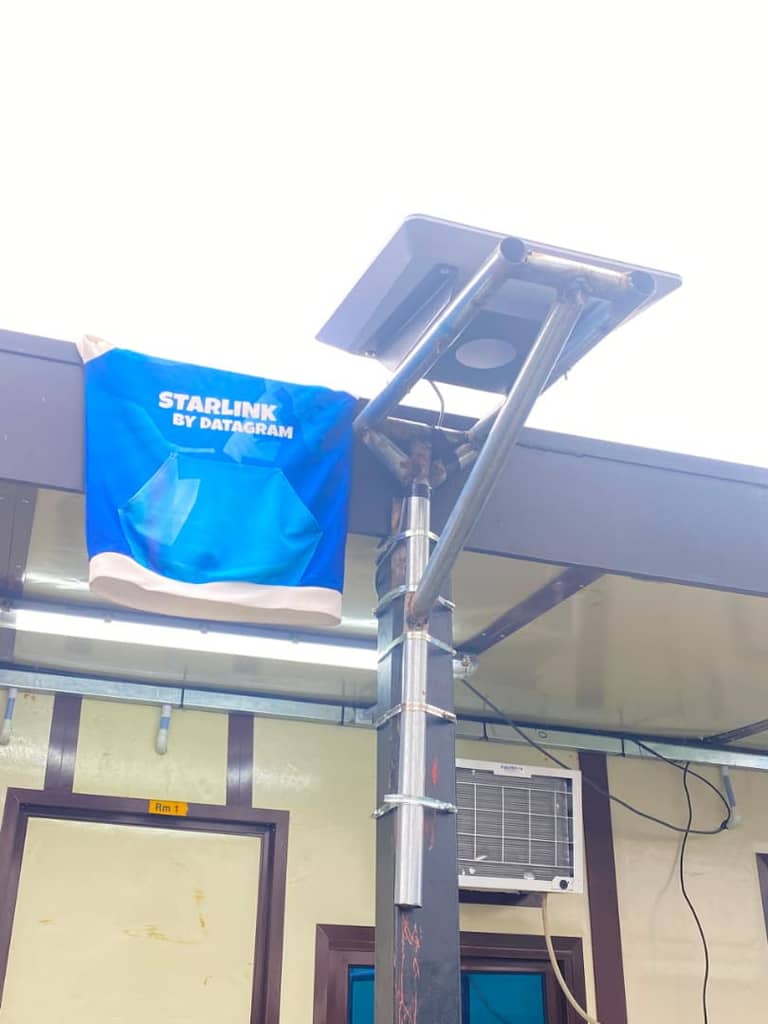
Updated 20 November 2026 against Starlink’s public Roam, Maritime, and roaming-help materials. Nigerian maritime buyers often treat Starlink Ocean Mode and a 50GB allowance as the same product. They are not. Ocean Mode is a metered option that extends eligible Roam service into international waters. A 50GB figure is a Global Priority data tier: priority traffic for that block, then continued service at a lower priority unless you buy more Priority data. Confirm which name is on the account before anyone briefs the crew.
Sources to re-check on the day you sail: Starlink Roam, Starlink Maritime / Global Priority, the Traveling with Starlink Roam help article, and Starlink’s Service Plan Descriptions. Product names and per-GB rates change. The account screen is the rule for your line.
Ocean Mode versus Global Priority — side by side
Planning summary only. Confirm entitlement, hardware eligibility, and pricing in the live Starlink account for Nigeria.
| Question | Roam Unlimited with Ocean Mode | Global Priority (Starlink Maritime) |
|---|---|---|
| What it is | Roam travel plan with Ocean Mode enabled for waters beyond the coastal limit | Business Priority data bucket with land and ocean entitlement |
| 50GB figure | Not a fixed 50GB Ocean Mode allowance — Ocean Mode is usage-based once enabled | A common Priority data tier size; other bucket sizes also exist |
| International waters | Intended path for Roam users who enable Ocean Mode beyond coastal waters | Designed for ocean and global use under Global Priority terms |
| After Priority data ends | Not applicable the same way — Ocean Mode bills per GB while enabled | Speeds typically fall to a low residual rate unless you buy more Priority data |
| Best fit | Occasional offshore legs when Roam is already the right land/travel class | Working vessels, commercial ops, and frequent ocean use |
What Ocean Mode is (and is not)
Starlink’s Roam materials describe coastal and inland water use on Roam plans, and state that coverage on international waters requires Ocean Mode. Industry and support summaries commonly treat that boundary as about 12 nautical miles from land — always verify the distance and eligibility text shown for your account. Ocean Mode is not Global Priority, and it is not a nickname for a 50GB Priority block.
When Ocean Mode is enabled, Starlink bills usage-based Ocean Mode data. Published USD per-GB rates have moved (including mid-2026 updates on Starlink’s Ocean Mode help materials). This page does not print a Nigeria naira rate. Read the Ocean Mode charge line in your account before you leave port, and remember that enabling Ocean Mode can change how data is billed until you switch it off.
A working vessel that stays offshore for long charters should not be planned on a roam-class add-on alone. Physical install still matters: mount clearance, salt-rated hardware, power, and VLAN discipline. Plan class cannot fix a blocked sky view. Deck work starts at offshore maritime installation; plan class at Roaming and Global Priority; crew Wi-Fi at VLAN split from the bridge. Mobility-rated hardware (typically Flat High Performance / Performance) is what maritime use expects — confirm eligibility before purchase.
What the 50GB Global Priority block is
A 50GB block on Global Priority is Priority data, not Ocean Mode. That allowance is served ahead of best-effort traffic. After it is consumed in the billing period, Starlink’s maritime materials describe continued residual throughput (commonly discussed around 1 Mbps down / 0.5 Mbps up) unless you purchase additional Priority data. During congestion, deprioritised traffic slows first.
Deprioritisation is not always a hard disconnect. On open ocean with light local demand, residual speeds may still look acceptable. Near busy coastal cells the slowdown is more obvious. Crews who tested mid-ocean and then struggled on the approach home are often seeing congestion or an exhausted Priority meter, not a failed dish.
Plan-selection considerations for vessel operators
Choose from voyage pattern, not from the marketing name that sounds largest. Occasional coastal hops with mostly land Roam use can be a Roam Unlimited + Ocean Mode question if the account offers it. Continuous Gulf of Guinea work, high-crew OSVs, and charter clauses that require ocean connectivity are Global Priority questions. Compare against an existing VSAT path with the VSAT and Starlink note.
Where the vessel sits in Nigeria's waters, and which plan name matches that route, is the coastal plan guide.
DataGram assists Nigerian operators with available maritime plans — including Roam Unlimited with Ocean Mode and Global Priority — and with account/plan documentation. Maritime installation (deck mount, glands, power, handover) is a separate charge from plan/account assistance. We do not sell Starlink subscriptions as a resale product; subscription billing remains with Starlink.
How to monitor usage on a working vessel
The Starlink app shows Priority data remaining for accounts that expose the meter. Assign one responsible crew member — often the radio officer or IT-aware mate — to check weekly, not only when WhatsApp stalls. Screenshot the meter at the start of each voyage for the operations file, and write down the plan name next to it so Ocean Mode and Global Priority are not mixed up in the log.
If you run marine SD-WAN, use router traffic reports per VLAN so you know whether crew entertainment or CCTV ate the Priority block.
If the account shows a 50GB Priority block
Schedule large downloads — OS patches, chart packages, training video caches — early in the billing cycle or while Priority remains. Rate-limit crew streaming SSIDs. Keep bridge and ops on higher QoS so a football stream cannot flatten navigation updates. This advice applies to a Global Priority data tier. It does not turn that tier into Ocean Mode.
Fifty gigabytes sounds large until twenty people share it with cloud backups enabled. For high-crew OSVs, treat a 50GB Global Priority block as a scarce ops resource, not unlimited welfare bandwidth.
When Global Priority is the plan to activate
Global Priority is the class without the Roam international time cap, and Starlink presents it as the maritime/ocean Priority product. A 50GB block can sit on that plan; larger buckets exist for heavier fleets. Ocean Mode does not replace Global Priority for a vessel that stays out. Pricing is USD-linked — confirm the live account and see our Roaming and Global Priority activation guide. This page does not publish a naira price for either product.
Product naming — expect churn
SpaceX has marketed Roam, Maritime, Ocean Mode, Local Priority, and Global Priority with overlapping language. Always verify entitlement in the live account: ocean coverage, Priority gigabytes, hardware compatibility, and whether Ocean Mode is enabled. Do not rely on a broker WhatsApp forward from last year.
Operational checklist before sailing
Confirm the plan name in the app, not the name in last year’s quote. If Ocean Mode will be used, confirm the per-GB rate shown for your country before enabling it. If a Priority meter is visible, record it. Brief crew on streaming limits. Verify QoS still prefers bridge VLANs. If the vessel will stay outside coastal waters for the charter, confirm Global Priority (or an explicitly entitled Ocean Mode path) before sailing.
Example burn maths for a 50GB Global Priority block, not for Ocean Mode: one crew member streaming HD at roughly 3GB/hour will consume that block in under two days of continuous play. Ten casual users checking mail and light chat may last weeks. The difference is policy.
When Priority data on a Global Priority tier is exhausted mid-voyage, options are: reduce crew bandwidth, buy more Priority data if the account allows, wait for quieter conditions, or accept lower priority until renewal. A documented 4G or VSAT backup through SD-WAN turns that moment into a known failover — not zero downtime.
If welfare streaming is a contractual crew right, budget the Priority plan that can carry it, or a separate welfare path. Do not assume a 50GB block will absorb both CCTV upload and streaming for twenty people, and do not assume Ocean Mode is that block.
Charterers sometimes write “unlimited Starlink” into a contract. Translate that clause into a named plan — Global Priority or Roam Unlimited with Ocean Mode — and a QoS policy before signature.
Rain fade and obstruction are separate from both products. Fix mounts and sky view first. Mixing a sky-view fault into a data-cap complaint wastes everyone’s time. Keep a printed one-pager in the radio room: current plan name, Ocean Mode on/off, Priority gigabytes remaining if a meter exists, QoS rules, and the escalation contact.