
Currently Trending
Starlink vs. MTN 5G Router: Real-World Speed Test in Nigeria
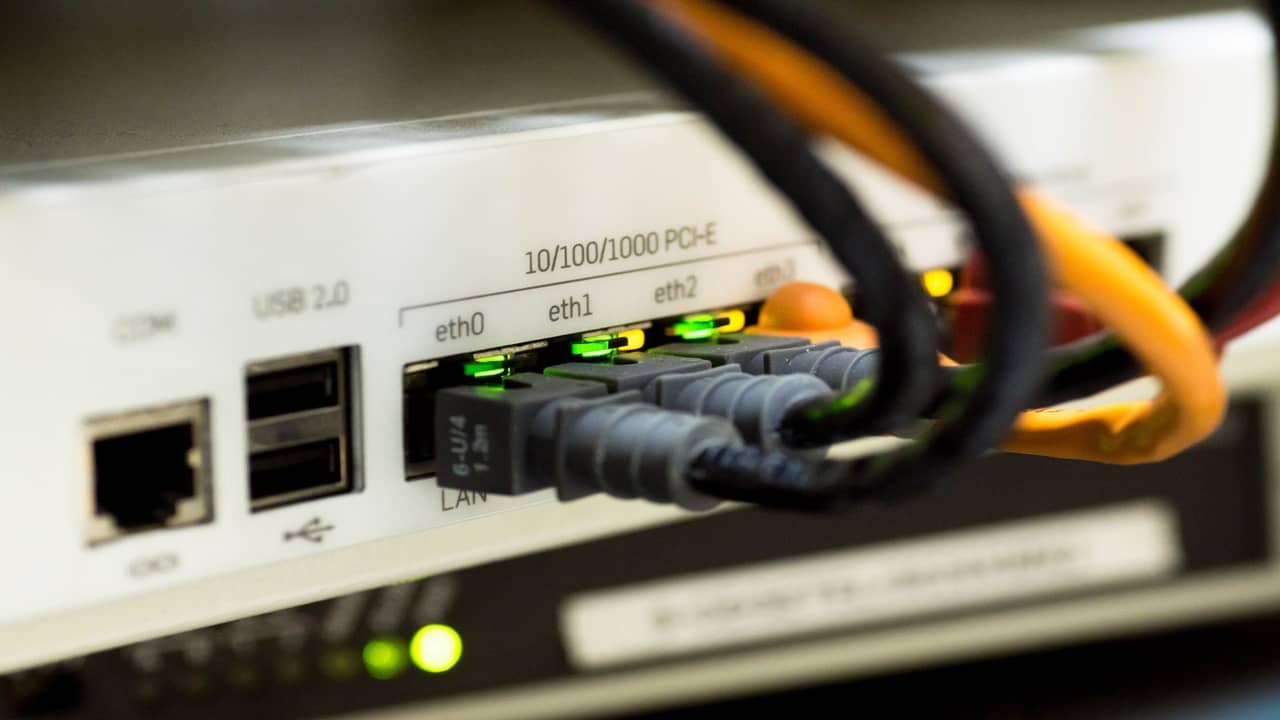
Starlink vs MTN 5G router is the comparison Lagos and Abuja home offices run the week fibre delays or cell towers congest. MTN 5G home routers use terrestrial radio to a nearby tower; Starlink uses LEO satellites with no last-mile trench. Speed tests from either camp go viral on Twitter; honest benchmarking needs same-room Wi-Fi control, rain logs, and time-of-day notes.
We install Starlink nationwide — Lagos, Abuja, Port Harcourt — and document speeds at desks, not only beside the router. This article shares realistic ranges, not lab peaks.
How we benchmark fairly
Same property, same hour: Ethernet to laptop where possible, otherwise same mesh node. Three runs to speedtest.net and one to a cloud file upload target the user actually uses. Note rain, harmattan haze, and whether MTN bars dropped during the test. Starlink tests include obstruction score screenshot from the app.
Download speed — realistic ranges
MTN 5G router in strong signal areas (open balcony mount, near window facing tower): peak downloads often land roughly 100–400 Mbps in good conditions on promoted plans, with many sessions closer to 50–150 Mbps when towers load in the evening. Weak indoor signal without external antenna can fall to 20–80 Mbps despite '5G' marketing.
Starlink Standard with clear sky and professional mount: download commonly spans roughly 80–250 Mbps typical with spikes toward 500 Mbps or higher in quiet beam conditions; marketing-friendly peaks above that happen but should not be your SLA. Heavy rain may temporarily drop downloads toward 30–100 Mbps before recovery.
Upload speed — where remote work feels pain
MTN 5G upload is often asymmetric — roughly 10–50 Mbps up in good signal, sometimes less indoors. Starlink upload in Nigerian field conditions often sits roughly 10–40 Mbps typical with higher bursts on priority plans. CCTV and design uploads need sustained upstream — test your workload, not slogans.
Latency and video calls
MTN 5G latency to local caches can be excellent — often 15–35 ms when signal is strong. Starlink LEO commonly shows 20–40 ms for everyday apps when Wi-Fi is healthy. Both beat geostationary satellite; gamers should still test their actual game server path.
Rain, dust, and power
MTN degrades when backhaul or power at towers struggles — less common than rain fade but real during outages. Starlink fades measurably in heavy downpours; alignment and obstruction matter for recovery time. Harmattan dust hurts outdoor-mounted 5G CPE lenses and Starlink dish faces — wipe schedules help both.
Coverage and install friction
MTN 5G wins where tower signal is strong and you can mount CPE outdoors legally. Starlink wins where cell indoor signal is weak, estates block external antennas, or you need connectivity this week on a roof with sky view. Starlink install scope is roof and conduit; MTN is plug-and-play if signal exists.
Cost and data caps
MTN plans vary by bundle and fair-use policies — read current tariff sheets. Starlink hardware plus monthly is separate — see 2026 price ranges. Hybrid users pay both but buy uptime.
When to run hybrid
Policy routing: MTN primary for bulk download when signal is strong; Starlink takes video calls and failover when tower load spikes. Enterprise Nigeria documents dual-WAN handover for SMEs.
Real-world Nigerian test notes
Island flat, external 5G CPE on balcony rail, strong bars: evening downloads often 120–200 Mbps, uploads 15–30 Mbps, Zoom stable. Same property, Starlink on parapet after pro install: dry evening 150–350 Mbps down, 20–35 Mbps up, rain cell dips to 40–90 Mbps for twenty minutes then recovers. BQ with indoor router only, no external antenna: 5G fell to unusable while Starlink on main house roof stayed acceptable — placement beats technology name.
Who should buy which first
MTN 5G first if you have strong outdoor signal and tight capex — add Starlink later as failover via enterprise plans. Starlink first if indoor cell is weak, estate blocks CPE mounts, or you need connectivity this week on a roof with sky. Test both at your desk before annual contracts renew.