
Enterprise
Managing Starlink Across Multiple Branch Offices in Nigeria
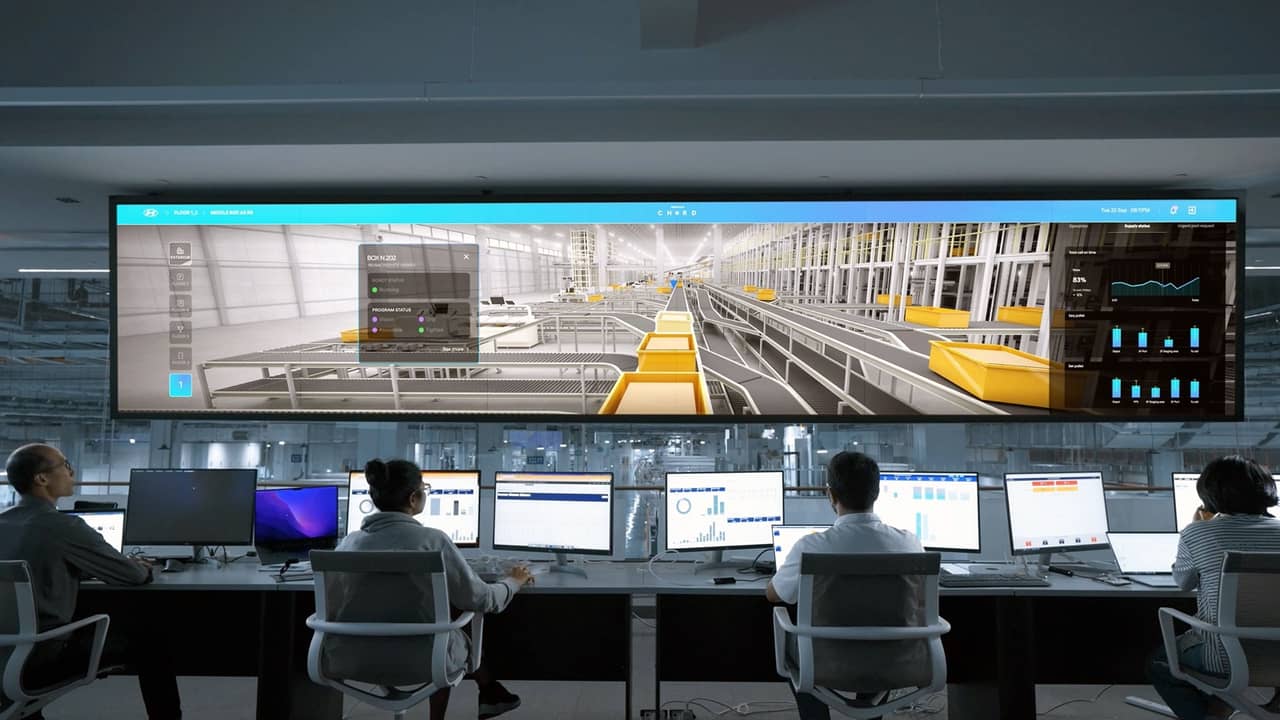
One Starlink terminal does not cover five branches. Each site needs its own dish, its own service address, and its own subscription. What you can centralise is the person who orders, renews, and answers the fault. That service is fleet management. This page is how the accounts actually work.
This guide is for IT managers and operations directors who already know Starlink works at a single site and now need a repeatable way to run it as a branch network. We cover how accounts actually work, what breaks at scale, when Residential is enough versus Priority, how to design VLANs and failover, and what DataGram fleet management takes off your desk.
How Starlink accounts work per dish
Each Starlink kit pairs to an account and subscription. There is no SpaceX "enterprise estate portal" that Nigerian IT teams can use the way they manage Microsoft 365 tenants. If you buy ten kits, you effectively get ten account relationships — even if the same person pays the cards.
That design is fine for a home user. It is painful when Enugu, Onitsha, and Warri branches each need a password reset, a plan change, or a fault photo on the same Monday.
The account management problem at scale
Separate apps mean separate obstruction scores, separate usage graphs, and separate "searching" alarms. Separate billing means finance chases ten USD or naira line items with different renewal dates. Separate fault reporting means the branch manager WhatsApps a photo while HQ opens a Starlink ticket that never mentions the other nine sites.
Without a single escalation owner, small issues linger: a cable chewed at one warehouse, a generator changeover that reboots the router at another, a plan still on Residential while the call centre hits peak-hour deprioritisation. None of those are Starlink "outages" in the marketing sense — they are operations failures.
What DataGram fleet management solves
Our fleet management service puts procurement, coordinated installs, account administration, plan upgrades, and fault escalations under one Nigerian contact. You can invoice per site or consolidate where DataGram supplies hardware and managed services. Quarterly per-site notes give procurement something to read besides a pile of app screenshots.
Fleet management does not invent a SpaceX multi-tenant console. It accepts how Starlink bills today and wraps local process around it — the same way you already wrap generator maintenance and estate security across branches. For the single-site deep dive, see enterprise Starlink Nigeria; for the land-and-sea overview, see the enterprise and marine hub.
Plan selection for branch offices
When Residential is enough
Small showrooms, low concurrent users, light upload, and tolerance for peak-hour slowdowns can stay on Residential. Confirm live pricing on Starlink checkout — Nigerian subscriptions commonly sit from tens of thousands of naira monthly upward depending on plan class.
When Priority or business tiers earn their keep
Larger offices, CCTV backhaul, ERP sync, and video-heavy teams need Priority during congestion. Upload-heavy workflows (design files, continuous camera upload) should be sized in the survey, not guessed after go-live. Match plan class to concurrent users and upload, not to the loudest salesperson.
Network configuration that survives real branches
Default Starlink WiFi is a flat network. Branch offices usually need guest separation, staff VLANs, and a clean path for VPN back to head office. That means Ethernet adapter, a managed router or firewall, and documented IP plans — not a consumer mesh dumped in reception.
Test failover if the branch is revenue-critical. Starlink as primary with 4G LTE as backup on a dual-WAN router keeps POS and voice alive when rain fade or a dish fault hits. Document who changes SIM data caps and who gets the alert when the primary path drops.
A practical rollout sequence
Inventory every existing dish and plan. Standardise mount and cable rules so the tenth install looks like the first. Stage activations to your project timeline — NGOs and retailers often need five sites live the same week, not sequential weekends. Hand each branch a one-page power and reboot card for generator changeovers.
Budget UPS on router and dish for brief NEPA or generator transfers. A ₦10,000–₦150,000 labour band for simple installs does not include multi-site project management; fleet quotes cover coordination explicitly.
When to call for help
If your team already runs dual-WAN and VLAN standards in-house, you may only need professional mounts and a clear bill of materials. If finance wants one relationship and ops wants one phone number at 2 a.m., fleet management is the product — not another DIY kit.
Typical failure modes we see on unmanaged multi-site estates: one branch still on an expired virtual dollar card while others renew fine; a warehouse dish remounted by a local welder without grounding after a storm; guest WiFi left bridged onto the same LAN as POS terminals. None of those need a new satellite constellation — they need ownership and a written standard.
Start with a site inventory spreadsheet: address, dish generation, plan class, router mode (stock vs bypass), UPS present or not, and the human who holds physical access. That sheet becomes the backbone of either an in-house runbook or a DataGram fleet proposal. Without it, every "urgent" call starts from zero.