
Evergreen
How to Connect CCTV Cameras to Your Starlink Network
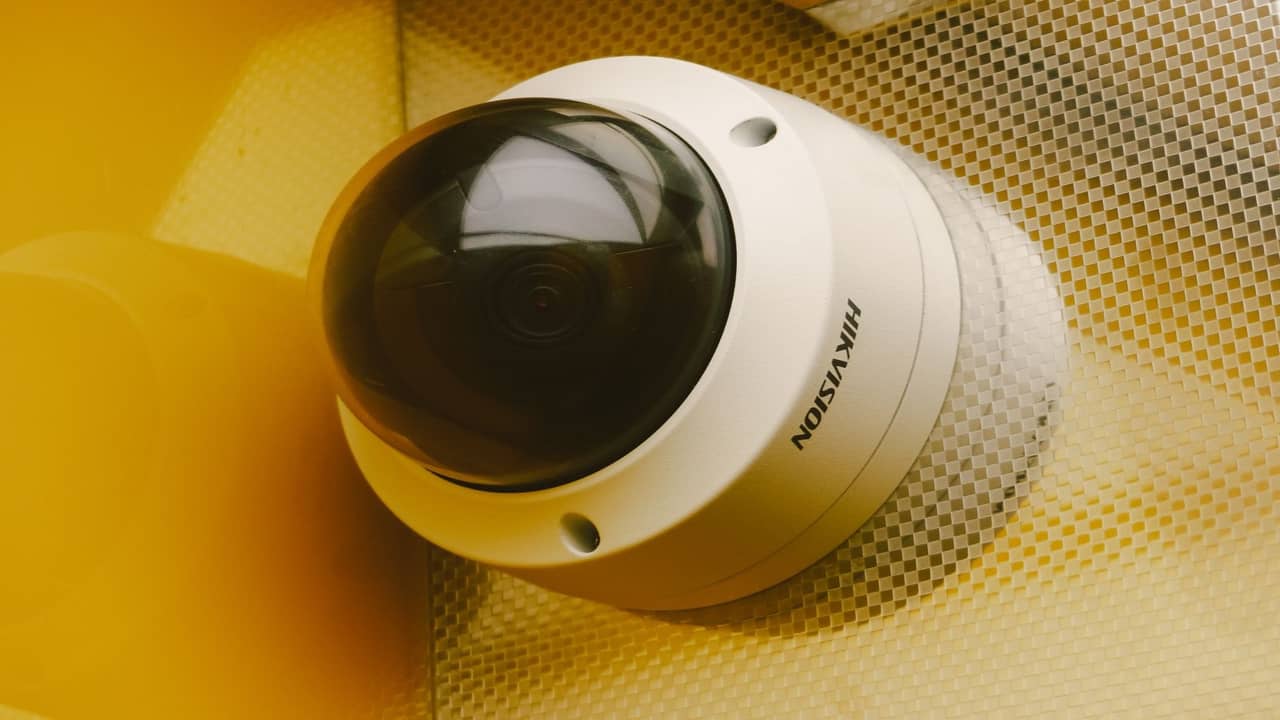
Record CCTV on a local NVR. Use Starlink upload only when someone is watching a camera, or for short motion clips. Continuous cloud upload of every camera is how a compound fills the link and then loses the recording in the rain, which is when the picture is most useful. This page does not promise a megabit rate per camera. Size that from the plan you bought and from a test, not from a headline.
Any upload range you have seen quoted, including a field range around 10–100 Mbps, is indicative, not a camera budget. Keep the cameras off the guest Wi-Fi. Do not open the NVR to the whole internet because a port forward looked convenient. Plan class and priority data are in the data-usage article.
Local NVR vs cloud-only CCTV on Starlink
A local NVR recording to disk on LAN is the right primary for most Nigerian homes and estates. Cameras talk to the NVR over PoE switch; remote viewing uses modest upload only when you stream a channel, not 24/7. Cloud-only systems that upload every camera continuously fight Starlink's upload profile and rain fade — you'll get gaps in footage during squalls exactly when break-ins are more likely.
Hybrid is common: local recording 24/7, cloud clips on motion events only. Configure bitrate caps per camera — H.265 encoding, reasonable FPS, and motion zones reduce waste. Your installer should document expected Mbps per camera before purchase.
Physical network layout
Place the PoE switch and NVR on wired Ethernet to the Starlink router or enterprise firewall — not on Wi-Fi. Nigerian concrete walls and long cable runs encourage owners to 'just use mesh' for the gatehouse NVR; that fails when rain fade coincides with weak mesh backhaul. Trench conduit or surface tray for outdoor Cat6 with proper glands beats rework after rodents chew a cable on the compound wall.
For Lagos estates with multiple buildings, VLAN the CCTV network away from family Wi-Fi and staff devices. Gate guards don't need the same SSID as the main house. Enterprise handoff documents VLAN IDs, DHCP scopes, and which ports may reach the internet.
Starlink router vs bypass mode
The stock Starlink router works for simple single-NVR homes. Bypass mode with a managed firewall — Ubiquiti, MikroTik, FortiGate — is standard when you have more than a dozen cameras, site-to-site VPN, or compliance requirements. Enable bypass only after documenting default routes and failover if you add 5G later.
Remote viewing without reckless port forwarding
Do not port-forward NVR admin interfaces to the public internet. Nigerian scans hit open ports within hours. Use the NVR vendor's cloud relay with 2FA, or VPN into the site — WireGuard on a small router at the gatehouse is a pattern we deploy on remote Delta State compounds. If you must expose a service, IP allowlisting and non-default ports are minimum hygiene — still inferior to VPN.
Upload budgeting and plan class
The arithmetic is cameras times bitrate times hours someone is actually watching. A 4 MP H.265 stream is sometimes discussed around 2–4 Mbps, and six streams at 3 Mbps is an illustration of about 18 Mbps continuous. That illustration is not a camera budget for your compound. Test the plan you bought. A business plan is for a site where the cameras are operational.
Motion-only cloud upload keeps remote apps responsive without treating Starlink like unmetered fibre. Align expectations with guards and estate managers: 'camera offline' during a three-minute rain fade is different from 'NVR dead because PoE switch lost power during generator changeover.'
Power and uptime for gatehouse kit
NEPA and generator transfers reboot cheap switches. A modest UPS on NVR, PoE switch, and router buys clean recording through flickers. Gatehouses in Abuja often share a circuit with floodlights — segregate loads so lighting surges don't reset the NVR.
Rain fade and alert tuning
Configure monitoring to distinguish Starlink uplink blips from camera hardware failure. Use local recording so a cloud disconnect doesn't mean lost evidence. Test playback from the NVR on LAN during a storm before you rely on remote apps for incident response.
Camera placement and bandwidth at Nigerian gates
Gate pillars, perimeter walls, and car park entrances need wide dynamic range — harsh sun at noon and sodium floodlights at night. Enable WDR on cameras; cap shutter-driven bitrate spikes in NVR settings. PTZ cameras panning continuously burn upload when cloud streaming is enabled — lock presets for guard posts instead of endless sweep. In Port Harcourt compounds with long driveways, place cameras where licence plates are readable at 15 fps H.265 rather than chasing 4K you'll never stream smoothly over rain-faded uplink.
Audio channels add negligible bandwidth but privacy policy matters for staff quarters — mute or disable where labour law and donor ethics require. Signage at gates stating recording is active reduces disputes when footage is pulled after incidents.
Storage retention and legal hold
Size NVR disks for retention targets donors or insurers specify — 30 days at six cameras differs from 90 days at sixteen. RAID on NVR is not backup; export critical clips to offline storage when investigations start. Starlink outage during an incident doesn't erase local disk evidence if PoE stayed up — another reason local NVR beats cloud-only.
Professional integration checklist
Survey upload needs and plan class. Wire NVR and switches; VLAN CCTV. Cap bitrates; prefer local record with selective cloud. VPN for remote admin. UPS on critical gear. Document IP plan and handover photos for estate security. For multi-building sites, book enterprise installation scope rather than stacking consumer routers.
Handover should include labelled switch ports, default passwords changed, firmware versions noted, and a one-page runbook for guards: which breaker feeds PoE, how to check disk health LED, who to call when app shows offline during rain. Estate managers in VI reject 'the installer left' without docs — give them something to file.