Evergreen
What is the Average Latency (Ping) of Starlink in Nigeria?
Latency — ping — is why Starlink feels different from old geostationary satellite internet and why traders ask about it before they mount a dish. Low Earth Orbit satellites sit hundreds of kilometres up, not tens of thousands. Round-trip time to game servers, Zoom bridges, and banking apps commonly lands in the 20–40 millisecond range in Nigeria when the link is healthy and your Wi-Fi isn't the bottleneck.
Averages mislead if you test once beside the router on a clear night. Rain fade, beam load, obstruction score, and mesh hops all add milliseconds — or hundreds of milliseconds when something is wrong.
Typical latency ranges in Nigerian field conditions
Residential and business fixed sites we monitor generally see unloaded ping of 20–35 ms to well-connected global endpoints like 8.8.8.8 or Cloudflare DNS. Download and upload throughput vary wildly — 50–1,000 Mbps down, 10–100 Mbps up — but latency stays the headline advantage versus legacy satellite.
Lagos dense beams can add jitter during peak evening hours when estates come home on generator. Abuja and Port Harcourt show similar physics with local variation by ground station routing — exact numbers shift as Starlink's network evolves.
What good looks like vs bad
Good: stable 25–40 ms wired to router, sub-80 ms to European game servers on a decent route. Bad: ping spiking over 100 ms with clear sky — investigate Wi-Fi, double NAT, or obstruction. Persistent 600 ms+ often means backup link failover confusion or severe obstruction, not 'normal rain.'
Factors that raise latency in Nigeria
Obstruction forces the dish to hunt satellites — each reacquisition adds jitter. POP ceilings and concrete between laptop and router add Wi-Fi retry latency that shows up in speedtest apps as 'high ping.' Cheap mesh with wireless backhaul adds hops. VPNs to foreign offices add distance — that's routing, not Starlink alone.
Rain fade increases packet loss; TCP retries feel like latency spikes during heavy squalls — common Port Harcourt afternoons. Power glitches from generator changeover reboot router and dish sequentially — thirty seconds offline beats slow ping.
How to measure honestly
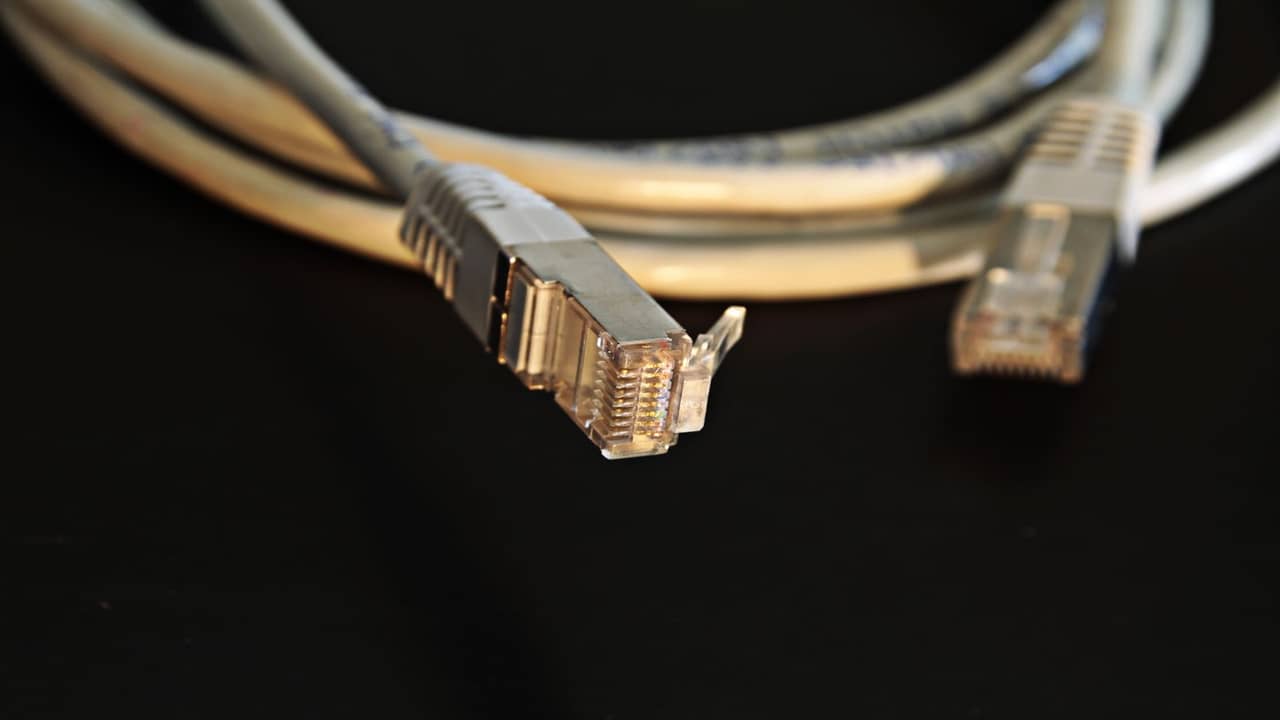
Wire a laptop to the router via Ethernet adapter. Ping 8.8.8.8 for fifty counts — note min, max, average. Repeat on Wi-Fi in the room you actually work. Compare rainy vs dry days. Log obstruction score from the Starlink app alongside ping logs.
Don't use a single speedtest screenshot as gospel. Test to endpoints your business uses — Microsoft Teams, Bloomberg, your broker's platform.
Starlink latency vs fibre in Lagos
Fibre on good local backhaul can beat Starlink on ping to Nigerian-hosted content — single-digit milliseconds in ideal MDUs. Starlink competes on rapid deploy, upload profile, and independence from street trench cuts. Hybrid sites use fibre primary and Starlink failover — latency policy routes voice and trading apps on the lower-ping path when both are up.
Read our broader Lagos connectivity context and enterprise dual-WAN notes on enterprise Nigeria.
Who cares most about ping
Day traders, competitive gamers, VoIP-heavy call centres, and remote desktop users notice jitter first. Households streaming HD video care more about bandwidth — 30 ms vs 45 ms won't ruin Netflix. Size your obsession to your workload.
Improving latency without magic
Lower obstruction score: professional mount and trim trees. Wire critical desks. Fix bypass double-NAT. Place mesh nodes with Ethernet backhaul. Don't run torrents on the same Wi-Fi as your trading desk.
Latency for gaming and voice from Nigeria
Console and PC gamers should test to their actual game region — European servers often route cleaner than trying US West from Lagos. Voice apps tolerate 100–150 ms better than FPS peeking. If ping doubles only after 6 p.m., suspect household congestion and estate beam load, not dish failure.
Call centres on Starlink should wire agent PCs and segregate bulk upload jobs to off-peak hours. Generator harmonics can add USB headset buzz unrelated to ping — separate grounding issues from network issues in tickets.
Logging latency over rainy season
Keep a simple spreadsheet: date, weather, wired ping average, Wi-Fi ping average, obstruction score screenshot. After six weeks you'll know your real baseline and stop panic-posting in WhatsApp groups every afternoon squall. Share logs with installers or Starlink support when escalating — anecdotes without data waste everyone's time.
Latency vs throughput — don't confuse them
High download on a speed test doesn't fix bad ping for voice. Bufferbloat on overloaded routers can spike latency while Mbps looks fine. If ping rises when someone starts a large upload, enable SQM on supported routers or schedule uploads off-peak. Enterprise handoffs often include traffic shaping rules for this reason.
Mobile backup comparison
4G LTE in urban Lagos can show variable ping — sometimes lower to local caches, sometimes worse on congested cells. Starlink's value is stable rural and suburban performance where towers are weak. Dual-SIM failover phones aren't WAN architecture; offices should document primary and secondary paths with measured failover time, not hope.
When latency spikes are actually Wi-Fi
Before opening a Starlink ticket, test wired. If wired ping is 30 ms and bedroom Wi-Fi is 120 ms, buy mesh or APs — satellite is fine. POP ceilings in Nigerian flats are notorious; latency symptoms follow you room to room while wired stays stable.